Objective
The objective of this following article is to create an approachable environment for developers in order to create a simple puzzle, but regarding the steps behind each operation of the step. The steps and results for each action that the player takes is outlines through visuals and explanations throughout the article.
The game is called: MAP from Simon Tatham’s Portable Puzzle Collection https://www.chiark.greenend.org.uk/~sgtatham/puzzles/js/map.html
Initial Setting
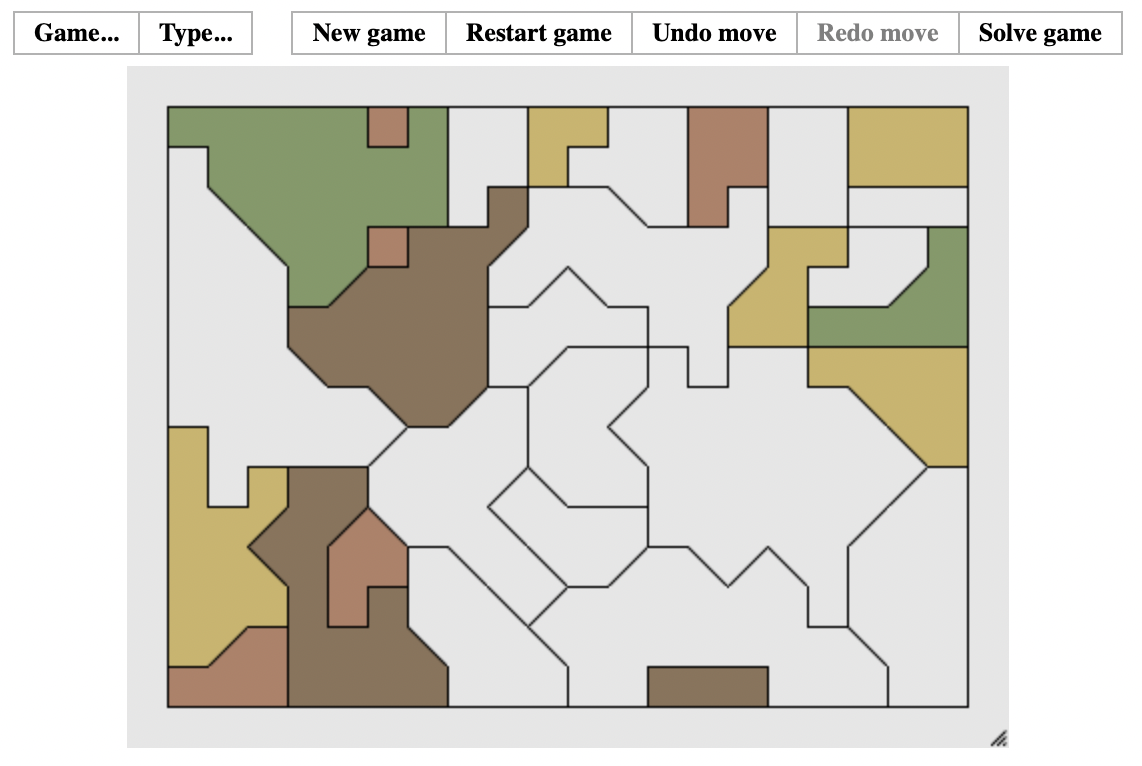
Figure 1: An example initial position
As shown in figure 1, the game generates a set of tites with some of them filled in with colors. The colors’ options are green, red, yellow, and brown. These originally placed colors can not be changed, and the objective of the game is to create a color map by filling in colors with no adjacent sides having the same color.
Placing a Color
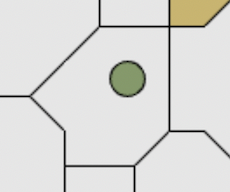
Figure 2: A drag cursor
In order to complete this task, the player can drag a certain color, where their cursors will move around this color into the tile they want to place it in.
If Satisfactory
- If the placement is satisfying the map’s condition, which means no adjacent block of the current block is in the same color, then the game would continue with only updating the currently colored block.
If NOT Satisfactory
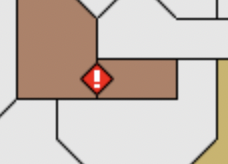
Figure 3: A warning sign
- However, if this is not the case and the adjacent block has the same color as the current block, then a warning sign will appear on the border that the two same-colored cubes are touching.
Completion of the Game
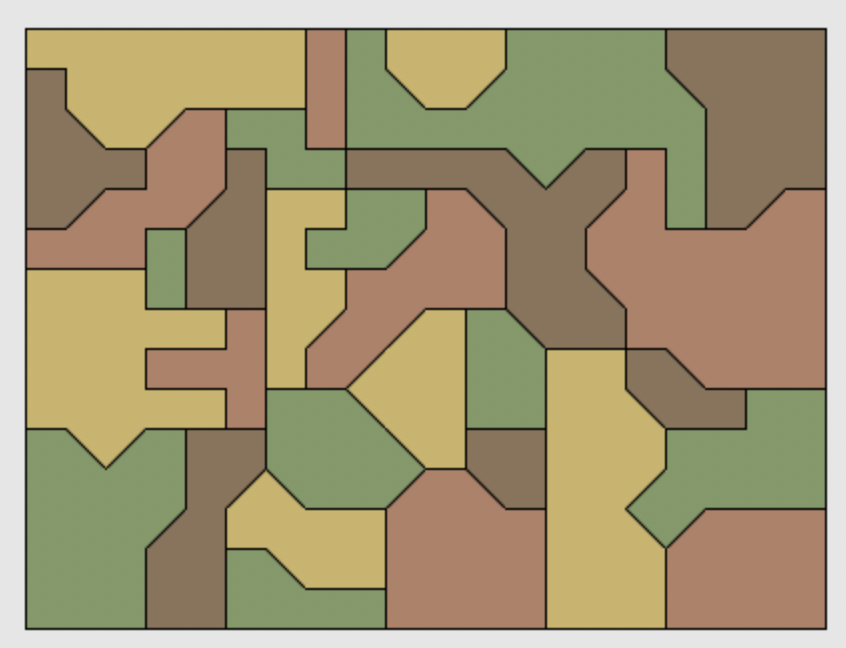
Figure 4: A complete set of tiles
If all of the tiles are properly colored as shown above, then the game ends with a flash animation (strong flash on the screen)
Additional Controls

Figure 5: Game Controls
-
Also, there are additional controls to the game:
- New Game: Generates a new puzzle at its starting position.
- Restart Game: Generates the same puzzle as the start.
- Undo Move: Cancels the most recent move.
- Redo Move: Re-does a cancelled move.
- Solve Game: Solves the current puzzle by filling in all the blocks.